
- Core Function: Headliner is an online platform designed to transform podcast audio clips into shareable, eye-catching videos (audiograms) for social media platforms like Instagram, TikTok, and YouTube.
- Key Features: Its main features include automatic transcription for captions (boosting engagement and accessibility), dynamic waveforms (visual hooks for audio content), and customizable templates for consistent branding. The “Automations” feature is a major time-saver for podcasters.
- Target Audience & Value: It is primarily aimed at podcasters and content creators who need to efficiently promote their work in a visual-first digital landscape. It is praised for its user-friendly interface and generous forever free plan (5 unwatermarked videos/month).
- Comparison: Headliner’s strength is its integrated simplicity and streamlined workflow for creating promotional clips. It is a better choice for speed and convenience than more complex, feature-rich editors like Descript or Veed.io, which offer higher caption accuracy and more advanced editing but require a more complex workflow.
- Limitations: It is a niche promotional tool, not a full podcast recording or editing suite. The mobile app is limited, and the AI transcription, while good, may require manual edits for multiple speakers or heavy accents.
- Conclusion: Headliner is highly recommended for podcasters looking for a fast, efficient, and user-friendly way to create subtitled, visual clips to drive traffic to their audio content.
Why Creators Are Turning to AI Agents
Content creation has always been a balancing act; ideas, editing, publishing, promotion, repeat. The problem? It eats up time and energy. What if you could offload the repetitive stuff, keep the creative spark, and scale your output?
That’s exactly where AI agents and workflow automation come in. These aren’t just “tools” you open once in a while; they’re assistants that think, act, and execute tasks for you. In this tutorial, we’ll break down what AI agents are, how workflow automation ties in, and which tools (like Replit Agents, Bolt.new, v0.dev) can completely reshape the way you create.
👉 Quick promise: By the end, you’ll know how to set up your own AI-powered workflows, plus we’ll walk through real examples and share a step-by-step guide.
What Are AI Agents?
Let’s start simple.
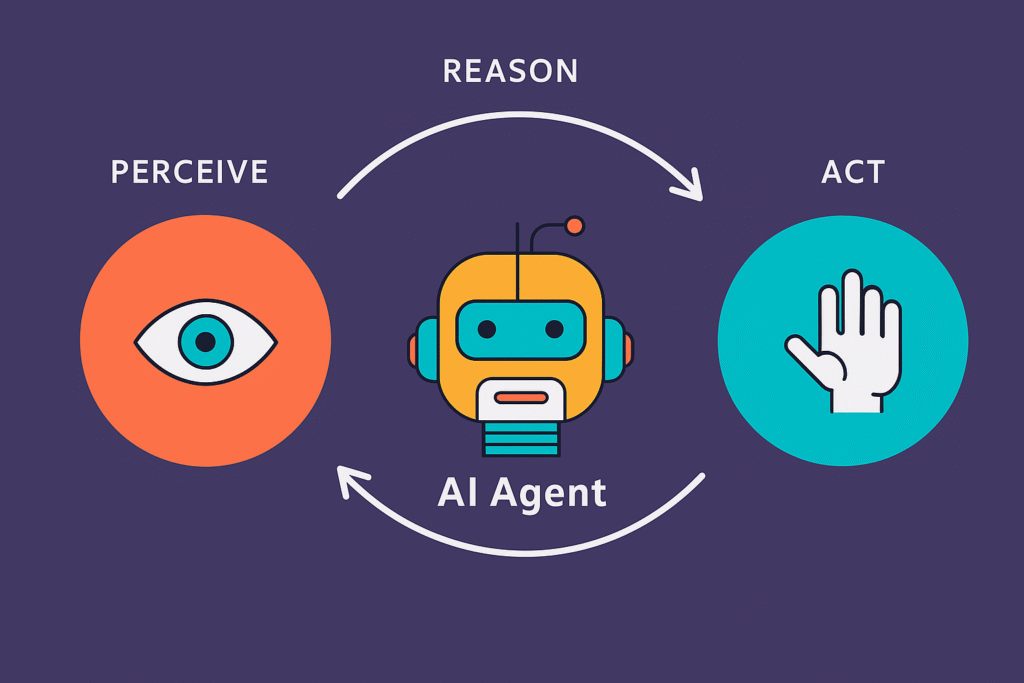
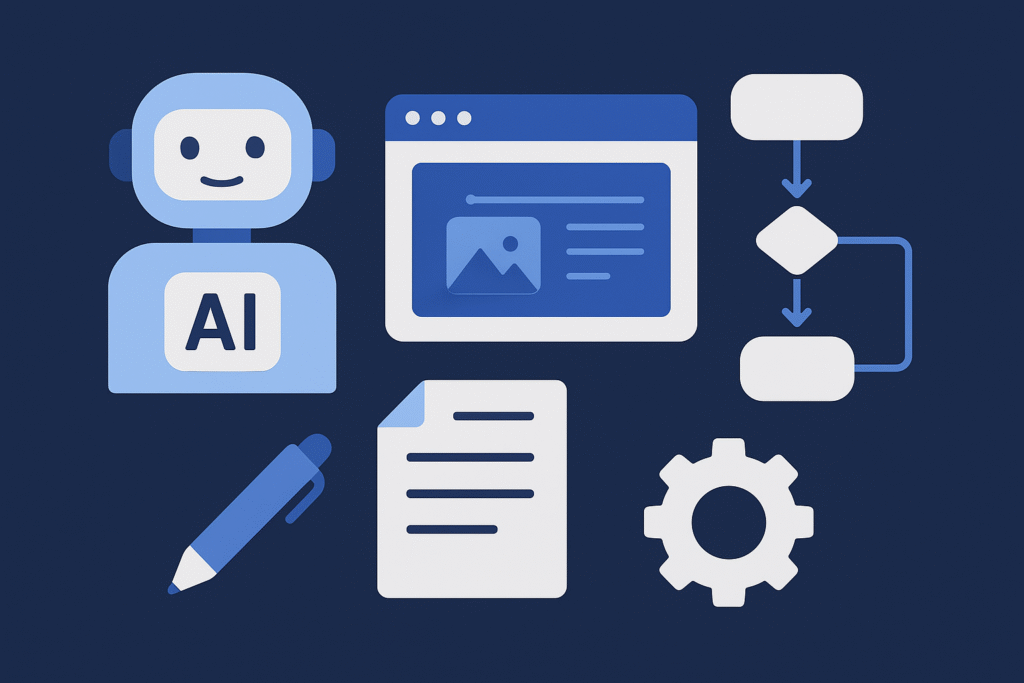
An AI agent is a system that doesn’t just process input; it makes decisions, takes actions, and can even improve over time. Think of it as a personal “autonomous assistant” that:
- Understands your task (e.g., “edit this video with captions”).
- Picks the right tools or workflows.
- Executes the task with minimal supervision.
- Can adapt when conditions change.
This is different from single-purpose tools. A caption generator is great, but it’s still one step. An AI agent could string together:
- Transcribe your video.
- Generate captions.
- Style them for TikTok vs YouTube.
- Schedule the upload.
Why AI Agents Matter Today
AI agents are important because they don’t just process data—they act on it. Instead of waiting for human instructions every step of the way, they can make decisions, complete tasks, and adapt to changing situations on their own. This makes them valuable in everything from customer support to personal productivity, because they save time, reduce errors, and handle repetitive work faster than we ever could. In short, AI agents turn AI from a passive tool into an active helper.
AI Agents vs. Traditional AI Tools
Here’s a quick breakdown:
- Traditional AI Tool → You give input, it gives output. Example: VEED.io auto-subtitles your video.
- AI Agent → Handles entire workflows end-to-end. Example: Bolt.new can take your prompt, generate an app or script, and deploy it automatically.
In short: Tools save minutes, agents save hours.
Real Examples of AI Agents in Action
Let’s make it concrete:
- Replit Agent → Write and debug code, generate websites, connect APIs, and even ship apps without you manually piecing everything together.
- Bolt.new → You describe what you want, it scaffolds a full project and pushes it live.
- V0.app → Turns prompts into production-ready components and workflows instantly.
- Submagic → An AI caption tool that also adds emojis and dynamic styles for short-form videos. (Review of submajic)
- Zubtitle & VEED.io → Add captions, edit videos online, and optimize them for platforms.
- Autocut → Auto-edits and captions short clips for social media.
Why Workflow Automation Matters for Creators
Here’s the thing: automation is what makes AI agents useful for creators. Without it, you still juggle between 10 tools and repeat the same steps. With it, you:
- Cut editing & publishing time in half.
- Repurpose one piece of content across platforms.
- Stay consistent without burning out.
Imagine this workflow:
- Record a long YouTube video.
- Agent splits it into 5 TikToks.
- Adds captions & emojis.
- Generates thumbnails.
- Uploads to each platform at the right time.
That’s not theory—it’s happening right now with the tools we just mentioned.
Tutorial: How to Build Your Own AI-Powered Workflow
Here’s a step-by-step playbook you can start today.
Step 1: Identify Your Repetitive Tasks
Ask yourself: what eats most of your time?
- Editing?
- Captioning?
- Thumbnail creation?
- Uploading & scheduling?
Step 2: Pick Your AI Agents & Tools
- Video & captions → Submagic, Zubtitle, Autocut, VEED.io.
- App/workflow building → Replit Agents, Bolt.new, v0.dev.
- Publishing & scheduling → Zapier + your AI agent.
Step 3: Connect the Workflow
Example for YouTube creators:
- Upload raw video to Google Drive.
- Agent triggers Autocut → creates shorts.
- Submagic adds captions.
- Zapier schedules posts on TikTok + IG.
- Replit Agent generates analytics dashboard.
Step 4: Review & Tweak
No AI setup is perfect at first. Spend time teaching it your style.
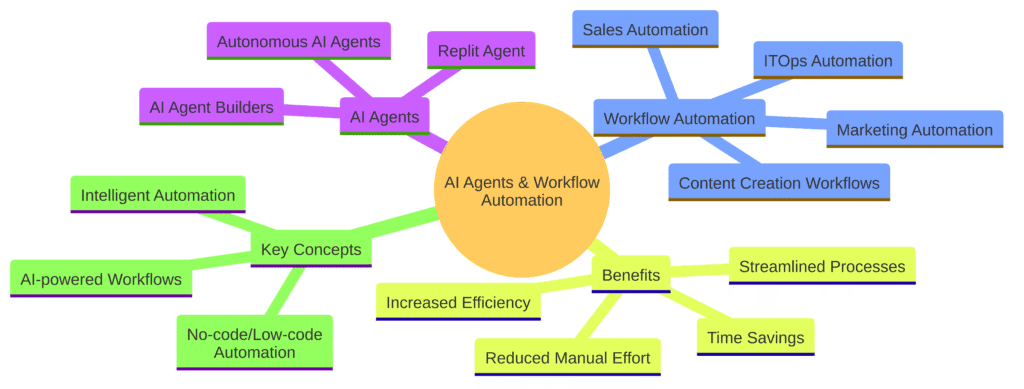
AI agents and workflow automation
Watch the Tutorial in Action 🎥
Sometimes words aren’t enough. That’s why I put together a full walkthrough. Watch here:
FAQs About AI Agents & Automation
Q: Do I need to know coding?
Not always. Tools like Bolt.new and Submagic are no-code. Replit Agents are more for developers.
Q: Are AI agents expensive?
Some are free to start, and premium plans unlock automation. For example, Replit, Bolt, Cursor, VEED.io and Zubtitle offer free tiers.
Q: Can this fully replace a human editor?
Not yet. Agents are great at repetition, but creativity still benefits from human touch.
Wrapping It Up
AI agents aren’t just hype; they’re the next leap in productivity. For creators, the payoff is simple: more content, less grind. The more you experiment, the more workflows you’ll automate.
If you’re serious about scaling your brand or business, start small: automate captions, automate publishing. Then let agents handle the bigger workflows.
Remember: tools save minutes, agents save hours. The earlier you adapt, the faster you’ll grow.