
Claude Code is powerful, but the normal setup can be confusing if you are not sure which account, API endpoint, or environment variable it expects. AgentRouter can act as a third-party gateway for compatible models, so you can try Claude Code with the credits and limits shown in your AgentRouter account instead of configuring a direct Anthropic API key.
Important: “Free” means the promotional or free quota currently shown by AgentRouter, not unlimited usage. Quotas, supported models, access rules, and pricing can change. Check the dashboard before you start a long coding session, and never paste a real API key into a repository or commit it to Git.
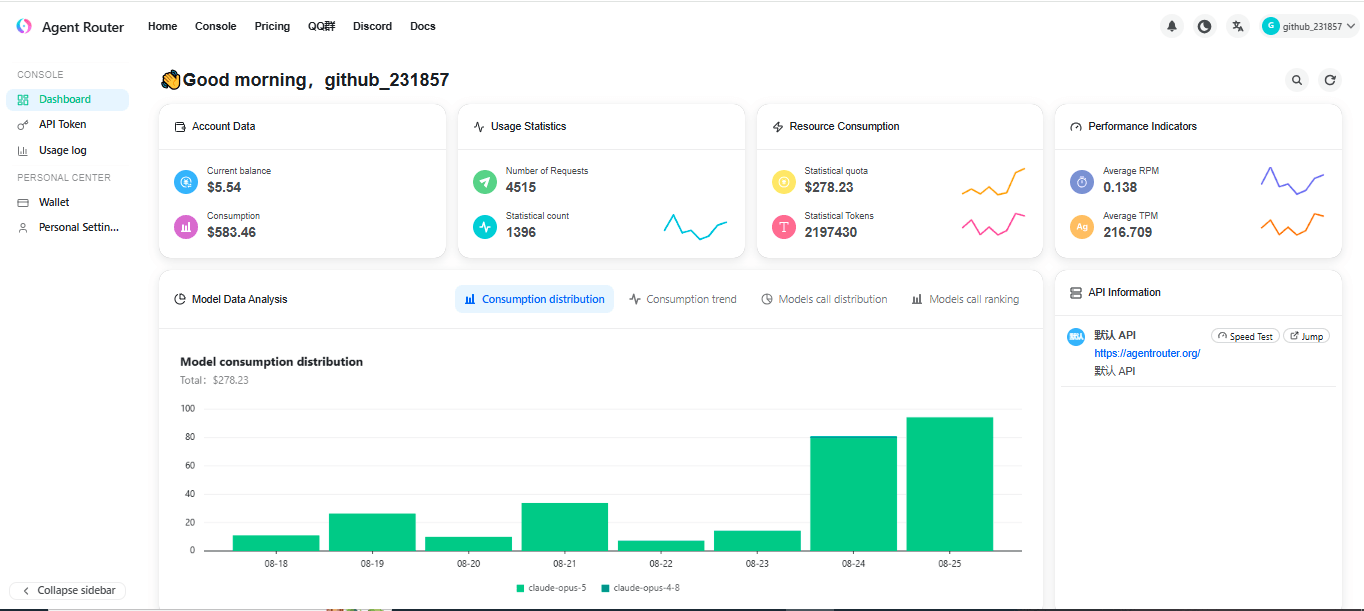
Ready to create your gateway account? Create an AgentRouter account and check the current free quota.
Before you start
You need a supported computer, an internet connection, a terminal, and a project you are comfortable allowing Claude Code to inspect. Current Claude Code documentation lists macOS 13+, Windows 10 1809 or newer, Ubuntu 20.04+, Debian 10+, Alpine 3.19+, and 4 GB or more of RAM as supported baselines. The AgentRouter integration guide lists Node.js 18 or newer for its CLI example.
- Use a personal test project first, not a production repository.
- Keep your AgentRouter key private and use a placeholder while following this guide.
- Install Git if you want a clean way to review and revert Claude Code changes.
Step 1: Install Claude Code
Anthropic now recommends its native installer. Use the command for your operating system, then open a new terminal if your shell does not immediately find the command.
macOS, Linux, or WSL
curl -fsSL https://claude.ai/install.sh | bashWindows PowerShell
irm https://claude.ai/install.ps1 | iexIf you prefer the package-manager route used in AgentRouter’s CLI guide and already manage global npm packages, this is also valid:
npm install -g @anthropic-ai/claude-code@latestVerify the command before configuring the gateway:
claude --versionStep 2: Create an AgentRouter key
- Open the AgentRouter registration page and create an account.
- Open the dashboard’s API-key or token area.
- Create a key with the smallest permissions and quota that fit your test.
- Copy it once into a password manager or another secure secret store. Do not place it in a committed file.
The exact dashboard labels can change. If you do not see the same menu names, use the current AgentRouter documentation linked from the dashboard rather than guessing an endpoint or model ID.
Step 3: Configure Claude Code for the Anthropic-compatible endpoint
Claude Code uses Anthropic’s protocol. AgentRouter’s current integration guidance distinguishes this from its OpenAI-compatible endpoint: for Claude models, use https://co.agentrouter.org without /v1. The key is supplied through ANTHROPIC_AUTH_TOKEN.
macOS, Linux, or WSL
These commands apply to the current terminal session only. Replace the placeholder with the key from your dashboard:
export ANTHROPIC_AUTH_TOKEN="<your-agentrouter-api-key>"
export ANTHROPIC_BASE_URL="https://co.agentrouter.org"
export ANTHROPIC_MODEL="claude-opus-4-8"
To persist non-secret settings, add the base URL and model to your shell profile. Prefer a secret manager or an untracked local environment file for the token. If you do add it to ~/.zshrc or ~/.bashrc, make sure that file is not shared or committed.
Windows PowerShell
$env:ANTHROPIC_AUTH_TOKEN="<your-agentrouter-api-key>"
$env:ANTHROPIC_BASE_URL="https://co.agentrouter.org"
$env:ANTHROPIC_MODEL="claude-opus-4-8"
Open a new PowerShell session after setting persistent user-level variables so Claude Code receives the new values. Do not include a real token in screenshots, issue reports, or source control.
Why the /v1 detail matters
/v1 is for AgentRouter’s OpenAI-compatible API. Adding it to the Anthropic-compatible Claude Code base URL can produce a 404 or an incompatible request. Conversely, removing it from an OpenAI-compatible client can do the same. Pick the protocol first, then use the matching endpoint.
Step 4: Verify the configuration safely
Run these checks before asking Claude Code to edit anything:
claude --version
claude doctor
claude doctor is a read-only diagnostic command. If it reports that a different provider or login is active, inspect your shell variables and restart Claude Code. Do not print the complete token in a public terminal recording.
Step 5: Start a small test session
Change into a disposable project directory and launch Claude Code:
cd /path/to/a-test-project
claude
Start with a read-only request such as:
Read the project structure and summarize the main entry points. Do not edit files.Once the model responds, ask it to propose a small change without applying it. Review the proposed files, permissions, and diff before allowing an edit. A successful response confirms that the CLI can reach the configured gateway; it does not guarantee unlimited free usage or that every model is available to your account.
Model selection and quotas
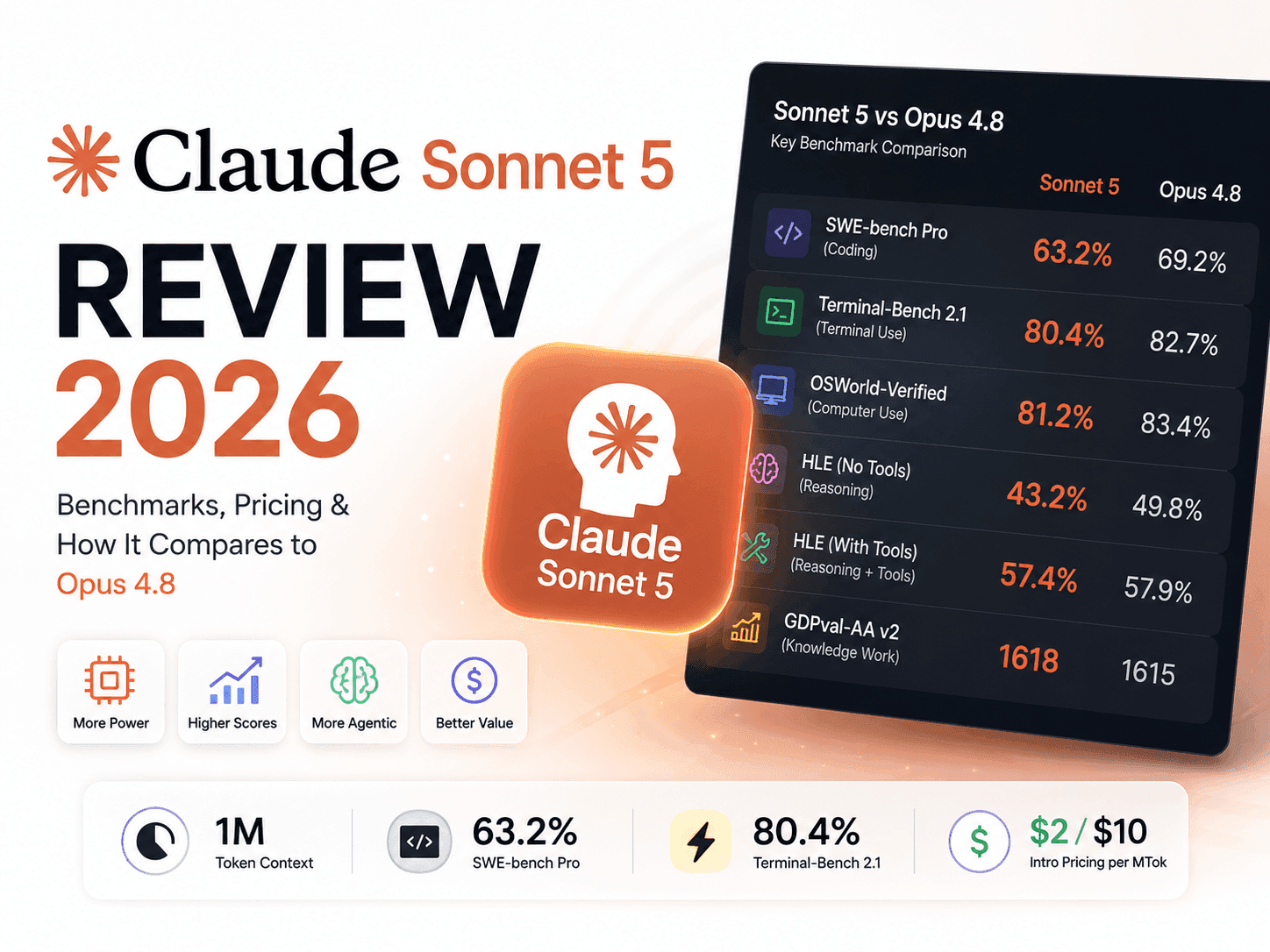
Use a model ID that appears in your AgentRouter account and is supported by the current integration guide. The example claude-opus-4-8 is shown as a configuration example, not a promise that every account will have access to it. If the model is rejected, select an available Claude model from the dashboard and update ANTHROPIC_MODEL.
Watch quota, rate limits, context limits, and any provider-specific charges in the AgentRouter dashboard. A gateway may expose a model name while applying its own availability, routing, or usage policy.
Troubleshooting checklist
“claude: command not found”
Open a new terminal, check that the installer directory is on your PATH, and rerun claude --version. On Windows, confirm that you are using the same PowerShell profile where the installer ran.
Authentication or 401 errors
Generate a fresh AgentRouter key, check for leading or trailing spaces, and confirm it is assigned to ANTHROPIC_AUTH_TOKEN. Do not use ANTHROPIC_API_KEY for this gateway configuration unless the current AgentRouter documentation explicitly tells you to.
404 or unsupported endpoint errors
For Claude Code’s Anthropic protocol, use https://co.agentrouter.org without /v1. For an OpenAI-compatible client, use the separate https://co.agentrouter.org/v1 endpoint. Do not mix the two profiles.
Model not found or unavailable
Check the exact model ID shown in the AgentRouter dashboard. Model names and access can change, so do not rely on a copied value from an old tutorial.
Unexpected usage or billing concerns
Stop the session, review the gateway’s current quota and billing information, revoke a compromised key, and contact the provider if the account activity is not yours. The absence of an Anthropic API key does not mean a third-party gateway is risk-free or unlimited.
Try the setup with a fresh account. Check AgentRouter’s current free access and create your API key.
Security and privacy checklist
- Never commit
ANTHROPIC_AUTH_TOKENto Git. - Use a separate key for experiments and revoke it when you finish.
- Do not send private source code or credentials to a gateway unless your organization permits it.
- Review the provider’s terms, retention policy, and current quota before using proprietary code.
- Keep a local Git checkpoint before granting edit permissions.
Final verdict
AgentRouter can simplify experimentation with Claude Code by providing a compatible gateway and a single account-level key. The reliable setup is straightforward: install Claude Code, create a key, use the Anthropic-compatible base URL without /v1, choose an available model, run diagnostics, and begin with a read-only test. Treat free access as quota-based and temporary, protect the key like a password, and verify the current AgentRouter dashboard whenever its endpoint or model catalog changes.