Affiliate Disclosure: This article contains affiliate links. We only recommend tools we've personally evaluated against real workflows.
Let me be honest with you about something.
When I first started using AI automation tools, I spent more time setting them up than they saved me. I'd build a workflow, it'd break on day three, I'd spend an evening fixing it, and by the end I'd decide to "just do it manually."
Most people give up at that exact point. And I get it.
But the people who push through that first 30 days of friction? They don't go back. Because once your automations are running, they don't sleep. They don't forget. They don't need to be reminded twice. And the hours just start showing up in your calendar again.
This is the practical guide I wish I'd had. Not a theoretical "here's what's possible" piece — but a real breakdown of specific automations, the tools that power them, and the actual time they save, based on 90 days of testing across real business workflows.
Why "Saving Time With AI" Fails Most People
The problem isn't the tools. The tools are genuinely good now.
The problem is that most people approach AI automation the same way they approach a new gym membership: they commit to changing everything at once, burn out in two weeks, and go back to their old habits.
Automation works differently. The best results come from identifying the three or four tasks that eat your time every single week — not occasionally, not sometimes — and automating exactly those. Nothing else.
Once those are running smoothly, you add one more. Then one more. Six months later you have a business that runs partly without you. That's the compound effect of automation.
So before we talk tools, let's talk about where your hours actually go.
The 5 Business Tasks That Steal the Most Time Weekly
Based on what we consistently hear from founders and small team operators, these five tasks account for the bulk of recoverable time:
- Email triage and response drafting — 4–6 hours/week for most people
- Social media scheduling and caption writing — 3–5 hours/week
- Data entry and spreadsheet management — 2–4 hours/week
- Lead capture and follow-up sequences — 3–4 hours/week
- Reporting, invoicing, and admin — 3–5 hours/week
That's potentially 15–24 hours every single week on tasks that AI automation handles well. Let's break down exactly how.
The Tools You Need (And What Each One Actually Does)
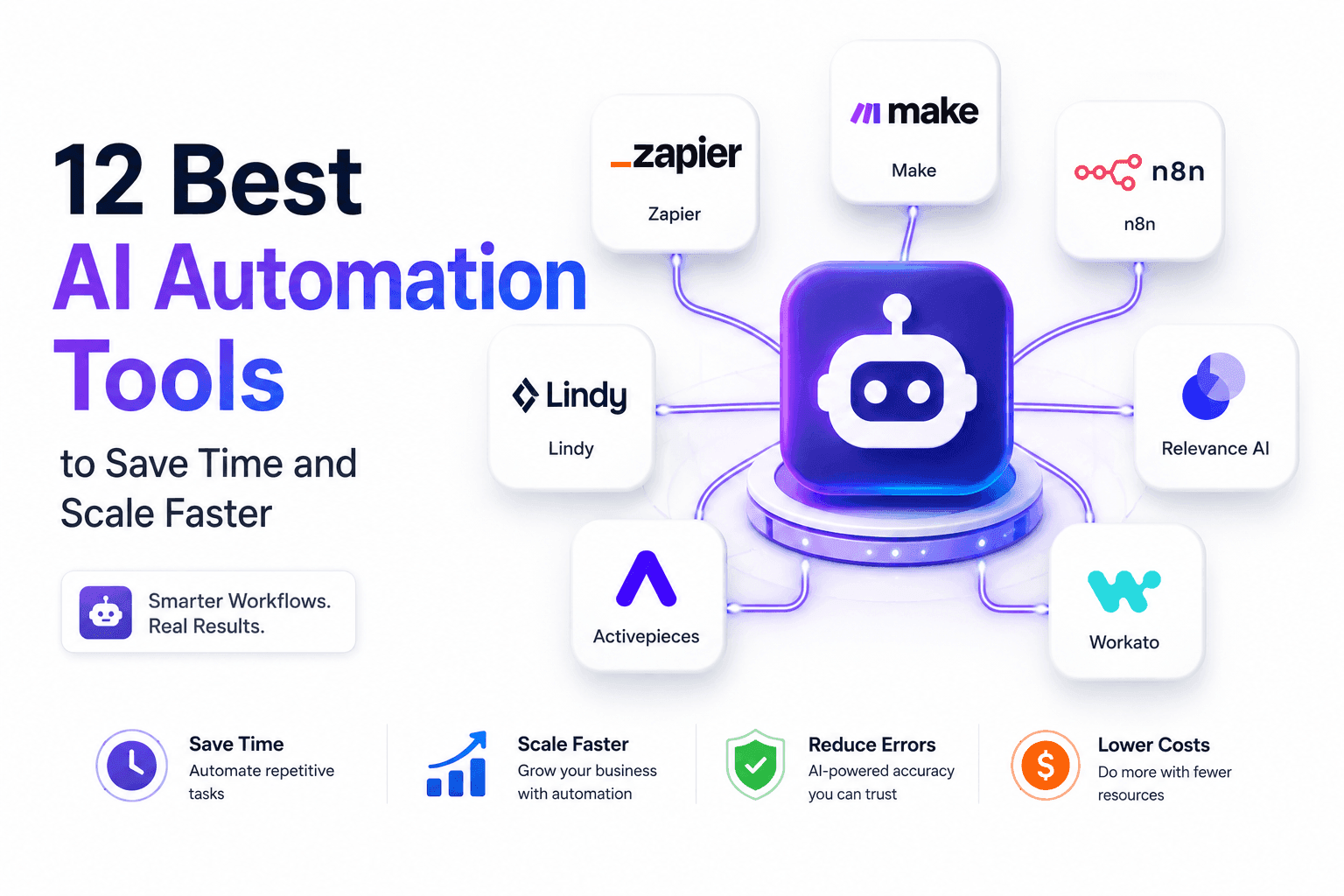
Make (Formerly Integromat) — The Workflow Engine
Make is the tool I recommend to almost every small business owner who asks about automation. It sits in the middle of your entire software stack and connects everything.
Unlike Zapier (which we'll get to), Make handles complex, multi-step workflows with conditional logic, filters, loops, and error handling. You build workflows visually — drag nodes, connect them, define conditions — and they run in the background on a schedule or triggered by specific events.
What it's best for:
- Complex multi-step automations
- Workflows that require conditional logic ("if this, then that, UNLESS this")
- Businesses that have outgrown Zapier's simple two-step structure
Real workflow example:
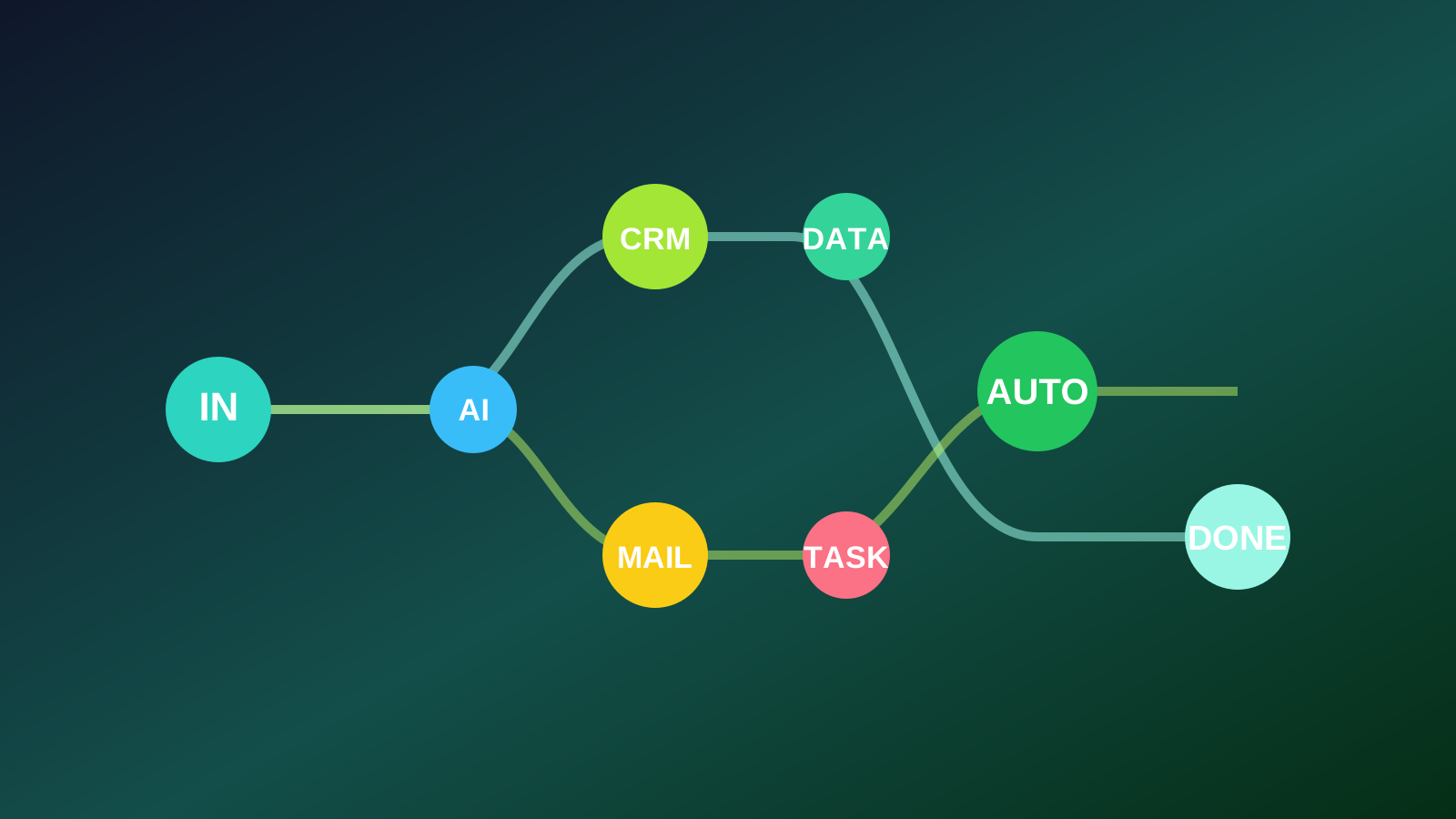
Every time a new lead fills your Typeform → Make creates a contact in your CRM → sends a personalized welcome email → creates a follow-up task in Notion with a 3-day due date → logs the lead in a Google Sheet → notifies you via Slack.
That's six actions happening automatically the moment someone submits a form. Setup time: about 2 hours the first time. Time saved per month: 8–10 hours, depending on lead volume.
Pricing: Free plan (1,000 operations/month). Core plan starts at $9/month.
Zapier — The Beginner's Gateway
Zapier has been doing this longer than anyone, and it shows in the polish. 7,000+ integrations, a no-code builder that anyone can understand in 30 minutes, and reliability that's hard to beat.
Where Zapier wins: simplicity and speed. You can have a working automation running in under 15 minutes without reading any documentation.
Where it loses: cost at scale and lack of native conditional logic. Once you need "if/else" branching, Zapier requires add-ons or workarounds. And its pricing climbs steeply as your task volume grows.
Best for: Beginners and businesses with simple, single-step automations.
Real workflow example:
New row added to a Google Sheet → automatically create a Trello card with all the data → send an email notification.
Simple. Fast. Reliable. That's the Zapier sweet spot.
Pricing: Free plan (100 tasks/month). Starter plan is $19.99/month.
n8n — The Power User's Choice
n8n is what you use when you want full control and you're comfortable being slightly technical. It's open-source, which means you can self-host it on a $5 VPS and pay nothing for the software itself. Your workflows, your data, your server.
For founders who build their own tools and want zero vendor lock-in, n8n is genuinely exciting. It handles complex API integrations, has over 400 pre-built nodes, and supports JavaScript expressions for custom logic that no-code tools can't match.
Best for: Technical founders, developers, anyone who self-hosts for privacy/cost reasons.
Pricing: Free (self-hosted). Cloud plan starts at $24/month.
Notion AI — Your Internal Knowledge Brain
Notion AI is underrated as an automation tool. Most people use it for AI writing help — which is fine — but the real power is using Notion as the central database for your business and letting Notion AI answer questions about your own data.
Example: you have a Notion database tracking all your client projects, timelines, and statuses. Instead of scanning through 40 rows, you ask Notion AI: "Which client projects are overdue and what's the next action on each?" It reads the database and gives you a summary.
Best for: Project management, internal knowledge bases, small team coordination.
Pricing: Notion AI is $10/month per workspace seat, added to any Notion plan.
The 7 Specific Automations That Save 15 Hours a Week
Let's get specific. Here's exactly what you build, what tool you use, and how much time it saves:
Automation 1: Email Draft Generation (Saves 4–5 hrs/week)
Tool: Gmail + ChatGPT via Make or Zapier
How it works: When a new email arrives in a designated folder, Make sends the email content to ChatGPT, which generates a draft reply based on context. The draft drops into your Drafts folder — you review, adjust if needed, and send.
This doesn't replace your judgment. It eliminates the "staring at a blank reply screen" part. Most drafts need only 30–60 seconds of editing.
Setup time: 3–4 hours
Weekly time saved: 4–5 hours
Automation 2: Social Media Scheduling Pipeline (Saves 3–4 hrs/week)
Tool: Buffer or Publer + Notion + Make
How it works: You drop raw content ideas (bullet points, angles, rough drafts) into a Notion database. Make watches that database, triggers ChatGPT to write finished social captions in your brand voice, and pushes them into Buffer for scheduled posting.
One 30-minute "content input" session on Monday fuels 5–7 days of social posts.
Setup time: 4–6 hours
Weekly time saved: 3–4 hours
Automation 3: Lead Capture and CRM Entry (Saves 2–3 hrs/week)
Tool: Typeform + HubSpot/Notion + Make
How it works: Lead submits form → Make creates contact in CRM → sends welcome email → assigns a follow-up task to you → logs to a master Google Sheet.
Zero manual data entry. Zero leads slipping through because you forgot to add them to the CRM.
Setup time: 2–3 hours
Weekly time saved: 2–3 hours
Automation 4: Invoice Generation (Saves 2 hrs/week)
Tool: Notion + QuickBooks or Wave + Make
How it works: When you mark a project as "Complete" in Notion, Make automatically creates a draft invoice in QuickBooks or Wave with the project name, client, and amount pulled from your Notion database. You review and send — no manual invoice creation.
Setup time: 3–4 hours
Weekly time saved: 1.5–2 hours
Automation 5: Weekly Report Summary (Saves 1.5 hrs/week)
Tool: Google Analytics + ChatGPT + Slack via Make
How it works: Every Monday at 9am, Make pulls your top traffic metrics from GA4, sends the data to ChatGPT with a prompt to summarize the key wins, drops, and suggested actions, then posts the summary to your Slack or email. You start Monday with a clear picture of last week — in plain English, not a spreadsheet.
Setup time: 3–4 hours
Weekly time saved: 1–1.5 hours
Automation 6: Content Repurposing Pipeline (Saves 2–3 hrs/week)
Tool: Descript + Make + Buffer
How it works: You publish a YouTube video or podcast. Make detects the new upload, triggers Descript to generate a transcript, sends it to ChatGPT to extract 5 key quotes, write 3 LinkedIn posts, and 5 Twitter/X posts — all dropped into your content calendar in Buffer.
One long-form piece → 8+ pieces of social content, automatically.
Setup time: 5–6 hours
Weekly time saved: 2–3 hours
Automation 7: Customer Support First Response (Saves 1.5–2 hrs/week)
Tool: Tidio + Make + ChatGPT
How it works: Customer submits a support ticket. Make sends the ticket content to ChatGPT with context about your product/FAQ. ChatGPT generates a draft response that gets sent to your support queue for review before going to the customer.
Not every ticket needs AI — but the 60% that are repetitive questions get handled in seconds.
Setup time: 2–3 hours
Weekly time saved: 1.5–2 hours
Total Weekly Time Recovered: 15–20 Hours
| Automation | Weekly Time Saved |
|---|---|
| Email draft generation | 4–5 hours |
| Social media pipeline | 3–4 hours |
| Lead capture & CRM | 2–3 hours |
| Invoice generation | 1.5–2 hours |
| Weekly report summary | 1–1.5 hours |
| Content repurposing | 2–3 hours |
| Customer support | 1.5–2 hours |
| Total | 15–20 hours/week |
The Right Order to Build These Automations
Don't build all seven at once. That's how you end up with seven broken workflows and zero time saved.
Week 1: Pick your biggest time drain. For most people that's email or lead capture. Build one automation. Get it stable.
Week 2–3: Add one more. Test it across real volume. Fix the edge cases.
Month 2: Add the social and content pipelines, which require slightly more setup but have enormous upside.
Month 3: Tackle reporting and customer support. These are less urgent but add up to meaningful hours once the higher-priority ones are running.
The Mistakes That Kill Good Automations
Over-engineering from day one. Start simple. A two-step automation that works beats a twelve-step masterpiece that breaks weekly.
No error notifications. Every automation should have a "notify me if this fails" step. Otherwise, you'll discover a broken workflow three weeks later after 50 leads fell into a void.
Forgetting to review AI outputs. Automation doesn't mean zero oversight. Build in regular reviews — especially for anything customer-facing. AI-generated content occasionally misses context in ways that need a human eye.
Building automations for tasks you do once a month. The ROI math doesn't work. Automate high-frequency, high-volume tasks first.
FAQ
Q: Do I need to know how to code to use these tools?
No. Make, Zapier, and most automation platforms are visual, no-code builders. If you can drag and drop and follow a tutorial, you can build these workflows. n8n is the exception — it rewards people who are comfortable with basic logic and API concepts.
Q: How long before I see real time savings?
Most people start noticing meaningful time savings within 2–3 weeks if they build their first automation on a high-frequency task. The full 15 hours takes about 6–8 weeks to achieve as you build out more workflows.
Q: What if an automation breaks?
Set up email or Slack notifications for errors in every workflow. Most tools have built-in error handling. When something breaks, it's usually a changed API endpoint or an app update — easily fixed in 15 minutes once you know it happened.
Q: Can I automate client communication without it feeling robotic?
Yes, with the right prompt design. The key is giving ChatGPT strong context — your brand voice, examples of past communications, and clear instruction on tone. Most clients can't tell the difference between a well-prompted AI draft and a message you typed yourself.
Q: Is Make better than Zapier?
For most growing small businesses: yes. Make has more power at a lower price point. But if you're just starting and you want something running in an hour, Zapier's simplicity is worth the premium. Use our Automation Tool Matcher to get a personalized recommendation.
Final Thought
The 15 hours a week you're spending on repetitive, automatable tasks isn't just a time problem — it's a compound cost. That's 60 hours a month. 720 hours a year. Imagine what you'd build with that time back.
The tools exist. The workflows are proven. The only thing left is the first automation.
Pick the task that costs you the most time this week. Build one workflow. Get it working. And when it runs on Monday morning without you touching it — that's when this all clicks.
👉 Compare Make vs Zapier vs n8n →
👉 Explore all AI Automation Tools in our Directory →
👉 See our full Jasper Review for AI-powered content automation →
Related Articles: