AI captioning is getting smarter by the day. In this Captions.ai Review, we’ll dive into the 3rd standout tool in our lineup and see how it stacks up for creators.
AI video tools have exploded in 2025—but few are as creator-focused as Captions.ai. Designed specifically for talking videos, this app combines automated subtitles, AI voice dubbing, GPT-powered scripting, and more into a sleek, mobile-first experience.
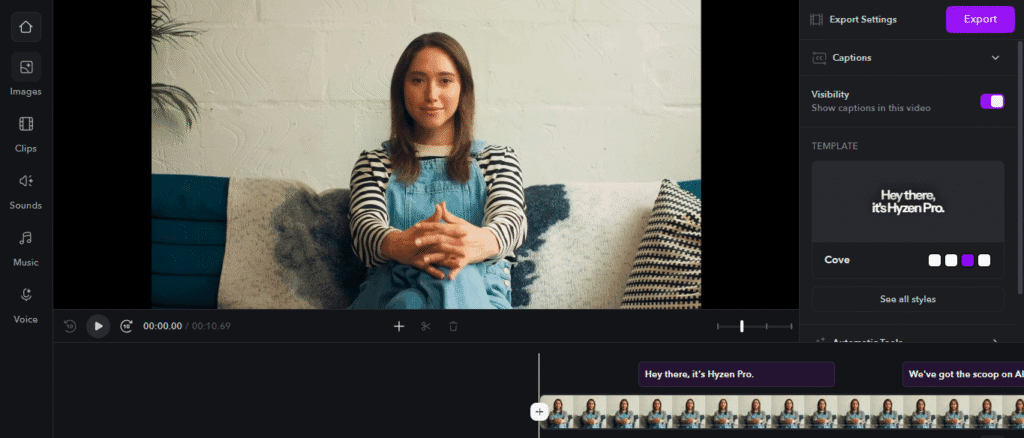
In this honest review, i will dive deep into its features, pricing, pros and cons, and how it compares to tools like Submagic and VEED.io. Whether you’re an influencer, coach, educator, or content marketer, this guide will help you decide if Captions.ai belongs in your creator stack.
What Is Captions.ai?
Captions.ai is an AI-powered video editing app built specifically for creators making talking head videos—think Reels, TikToks, YouTube Shorts, and explainer content.
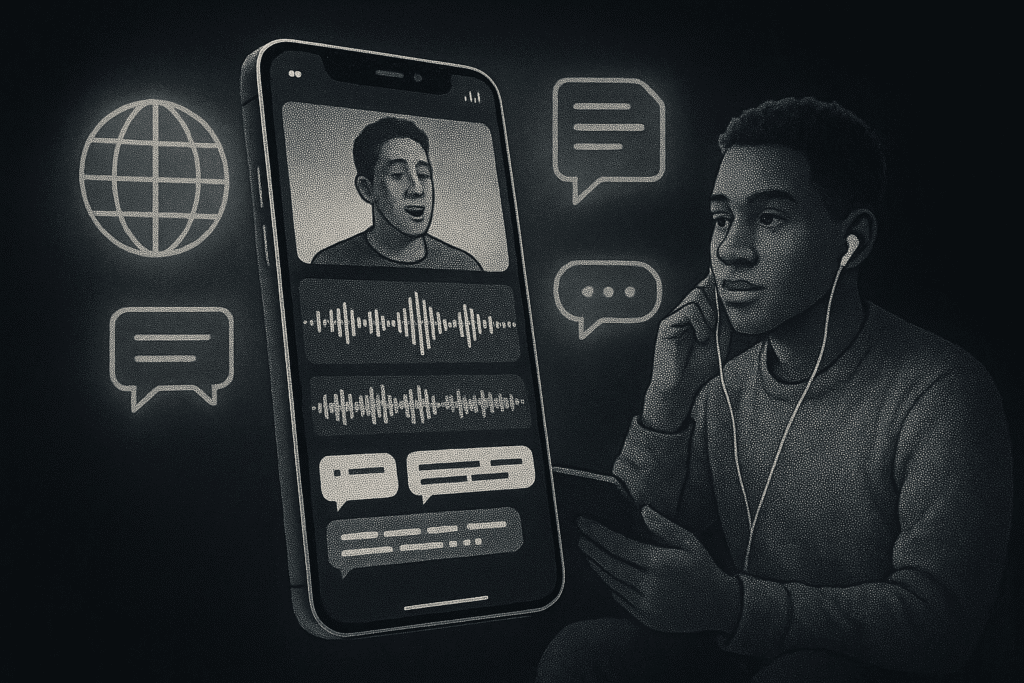
Unlike traditional desktop editors, Captions.ai runs as a mobile app (with desktop support via Mirage Studio) and focuses on automation: AI subtitles, dubbing, voice sync, and smart teleprompters are its bread and butter.
It’s tailored for short-form creators who want studio-quality content without learning complex software. And with its intuitive app interface and strong AI tools, it’s quickly gaining ground in the competitive world of AI video editors.
Captions.ai Features Explained
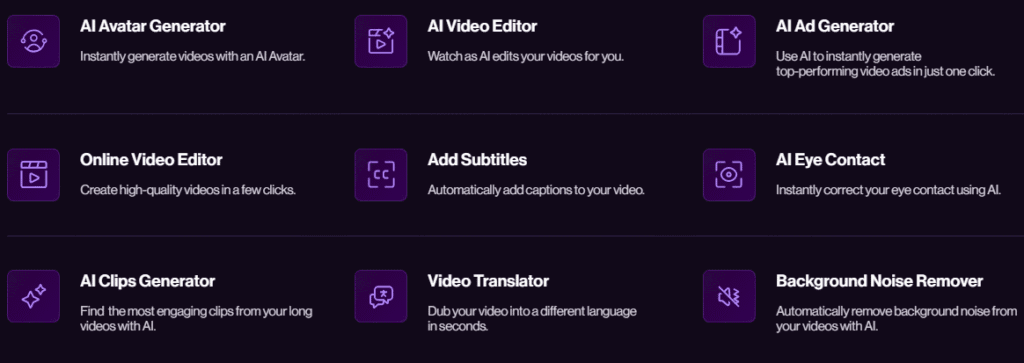
Captions.ai in Action
Mirage Studio: one-click editing, ready to post.
Auto subtitles & dynamic captions that grab attention.
Built-in teleprompter + AI script generator.
AI dubbing: record once, speak in any language.
Learn more about how auto-caption tools in our AI Caption Generator Tools Guide
Captions.ai Products Overview
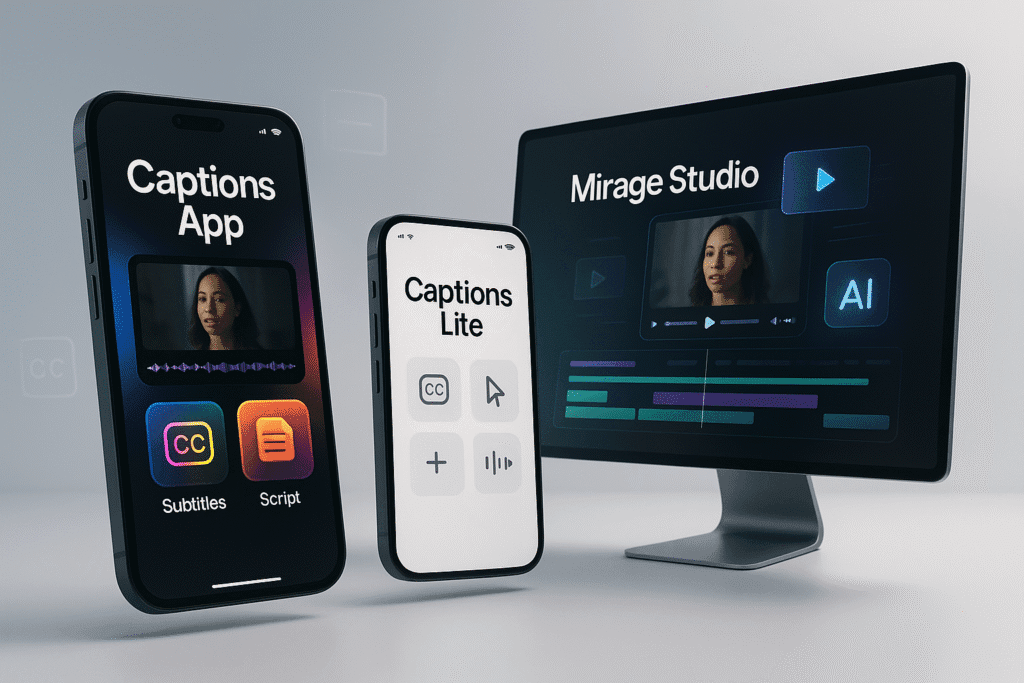
Captions App
The flagship mobile app for iOS and Android, offering the full suite: subtitles, dubbing, script generation, teleprompter, and edits.
Captions Lite
A lighter version with fewer features, designed for quick editing and lower-end phones. It’s great for beginners, but lacks AI dubbing and advanced script tools.
Mirage Studio
This is where Captions.ai competes with tools like VEED.io. It offers AI-assisted editing for desktop users—ideal for batch processing social videos.
Comparison: Captions.ai vs Submagic vs VEED.io
| Feature | Captions.ai | Submagic | VEED.io |
|---|---|---|---|
| Platform | Mobile-first (with Mirage Studio) | Web-based | Browser-based |
| AI Subtitles | ✅ Dynamic, animated, real-time | ✅ Fast & accurate | ✅ Good, but less stylish |
| Teleprompter & Script | ✅ Built-in GPT-3 tools | ❌ | ❌ |
| AI Dubbing | ✅ Multilingual with voice cloning | ❌ | ❌ |
| Auto Editing | ✅ Mirage Studio (AI style editor) | ✅ Magic Cut-like trimming | ✅ Magic Cut, auto-edit options |
| Mobile App | ✅ iOS + Android | ❌ | ✅ Limited mobile app |
| Pricing | Pro tiers | Free + Paid plans | Free + Lite + Pro |
🔍 Want more in-depth on Submagic’s features?
Captions.ai Pricing Plans (Free vs Pro vs Enterprise)
Pro Plan (~$9.99/month on annual plan)
- Watermark-free exports
- Full AI dubbing
- Unlimited teleprompter + GPT tools
- Mirage Studio access
Enterprise Tier
- Bulk licensing for agencies or teams
- Priority processing & branding tools
- Contact sales for pricing
💡 Compared to VEED Pro or Submagic Premium, Captions.ai’s pricing is highly competitive for mobile-first creators.
Real Use Cases: Who’s Using Captions.ai and How?
Social Media Creators
- Instagram Reels, TikTokers, and YouTubers use Captions.ai to make their talking head videos more engaging with dynamic subtitles and easy dubbing for multilingual audiences.
Marketers & Small Businesses
- From pitch reels to product demos, marketing teams love Captions.ai’s speed and built-in teleprompter.
Educators & Course Creators
- Tutorials, training clips, and explainer videos get a boost with AI subtitles and GPT-powered scripts.
Accessibility Champions
- Captions.ai helps make video content more inclusive with multilingual subtitle support and voice dubbing, improving reach and compliance with accessibility guidelines.
Pros, Cons & Limitations of Captions.ai

Pros
- ✅ Multilingual dubbing is impressive
- ✅ Super-fast subtitle generation
- ✅ GPT-3 script writing is a time-saver
- ✅ Mobile-first design fits modern workflows.

Cons
- ⚠️ Limited customization on Lite version
- ⚠️ No full desktop editing unless using Mirage Studio
- ⚠️ Cloud-only—can’t edit offline
- ⚠️ Occasional mobile glitches (reported by some iOS users)
Compared to Submagic (Full Review) (which focuses more on accuracy and simplicity) and VEED (Full Review) (which leans desktop-first), Captions.ai shines in mobile automation and multilingual features, but might frustrate those needing deep desktop control.
My Experience with Captions.ai
This tool is imposing. I uploaded a video, and within seconds, it generated accurate captions automatically. Everything was spot-on—fast, smooth, and reliable. A great choice for creators who want quick and clean results.
Final Thoughts: Is Captions.ai Worth It in 2025?
If you’re a talking-head content creator, coach, influencer, or course instructor, Captions.ai gives you professional results with minimal effort. Its AI dubbing and script features are powerful for multilingual creators and brands with global audiences.
- Choose Captions.ai if: You edit on your phone, want to go multilingual, or need fast captions + scripts.
- Choose Submagic if: You want speed and subtitle accuracy in a clean browser experience.
- Choose VEED.io if: You need desktop editing, team collaboration, and broader tools.
With a generous free plan and affordable Pro tier, Captions.ai is easily one of the most valuable AI video editing apps of 2025—especially for creators working on the go.
FAQ – Captions.ai Questions Answered
Is Captions.ai free?
No, there’s no free plan. The Pro version unlocks dubbing, GPT tools, and watermark-free exports.
Does Captions.ai support multiple languages?
Yes, it supports multilingual subtitles and voice dubbing in dozens of languages.
What platforms is Captions.ai available on?
iOS, Android, and desktop (via Mirage Studio).
Captions.ai vs Submagic: Which one has better subtitle accuracy?
Submagic is slightly faster and more accurate for English-only captions. Captions.ai offers more visual style and language flexibility.
Can I use Captions.ai for YouTube and Instagram content?
Absolutely. It’s made for short-form creators and supports export formats for all major platforms.
Want more tools like this? Check out our Top 10 AI Caption Generators and see which app fits your workflow best.