HyzenPro
Home
AI Tools
Blog
Compare
Submit Tool

Discover

  • AI Tools DirectoryBrowse the full AI tool library
  • Find ToolsUse the guided matcher quiz
  • CompareShortlist tools side by side

Popular Categories

  • AI Video ToolsEditors, generators, captions
  • AI Writing ToolsContent, copy, and SEO writing
  • AI Coding ToolsAssistants for developers

For Vendors

  • Submit AI ToolGet listed on HyzenPro
  • Vendor PortalManage your listing

From the Blog

Latest insights on AI tools

View all
ReviewClaude Opus 4.8 ReviewRead articleMarketing20 Best AI Marketing Tools in 2026Read articleVideo20 Best AI Video Generation Tools in 2026Read articleWritingHow to Choose an AI Writing ToolRead articleAutomationAI Automation Tools That Save 15 HoursRead articleGuideBest AI Tools for Small Business OwnersRead article

Learn

  • GuidesHow we evaluate AI software
  • ReviewsHands-on analysis and verdicts
  • Latest Blog PostsResearch, news, and tool guides

Company

  • About HyzenProWhat we cover and why
  • ContactQuestions, corrections, and partnerships
  • AdvertiseReach AI software buyers
HyzenPro
HomeAI ToolsFind ToolsBlogCompareGuidesAboutContact
Submit a Tool

Stay Ahead with AI

Get weekly AI tool reviews, comparisons & tutorials delivered to your inbox.

HyzenPro logo

Focused AI tool reviews, comparisons, and matchers for creators, marketers, and lean teams.

Blog

  • Latest Posts
  • Reviews
  • Tutorials
  • Comparisons

Guides

  • Small Business AI Tools
  • AI Automation Guide
  • AI Writing Tool Guide
  • AI Marketing Tools
  • AI Video Tools

Company

  • About Us
  • Contact
  • How We Test
  • Advertise
  • Submit Tool

Legal

  • Privacy Policy
  • Terms of Service

Latest from the Blog

View all posts
01

12 Best AI Automation Tools for Businesses to Save Time an…

Jun 9, 2026
02

Best AI Productivity & Automation Tools for Businesses (20…

Jun 9, 2026
03

15 Best AI Productivity Tools for Small Businesses in 2026

Jun 9, 2026
04

Claude Opus 4.8 Review: The Most Honest Coding Model Anthr…

May 28, 2026

© 2026 HyzenPro. All rights reserved.

Made with ❤️ for the AI community

HomeBlogVEED.io Review (2026): Is This AI-Powered Online Video Editor Worth It?
Reviews

VEED.io Review (2026): Is This AI-Powered Online Video Editor Worth It?

VEED’s strength lies in its mix of core editing tools and AI-driven add-ons:

Ali MalikNovember 11, 20254 min read
Affiliate disclosure: HyzenPro may earn a commission when you click some tool links. Our reviews, comparisons, and recommendations remain editorially independent and are based on research, hands-on testing, pricing checks, and practical fit.
VEED.io Review (2026): Is This AI-Powered Online Video Editor Worth It?

Our series on top AI tools for creators keeps rolling. This time, in the VEED.io Review, we’re looking at the 2nd standout tool in our lineup and why so many creators are talking about it.

What Is VEED.io? VEED.io is a browser-based SaaS video editor fueled by AI. Launched in the late 2010s and backed by Sequoia Capital, it’s evolved into a full-featured platform for creators, teams, and businesses alike. No downloads. No installs. Just a modern cloud editing experience that runs right in your browser.

veed.io interface

look at the VEED.io interface, a versatile editor that makes video creation and captioning straightforward.

Whether you’re a YouTuber craving faster cuts, a marketer repurposing content for Instagram Reels, or an educator crafting explainer videos, VEED sits at the crossroads of simplicity and AI innovation. In this VEED platform overview, you’ll see why it stands out among online video editor software in 2026.

Key Features Breakdown

VEED’s strength lies in its mix of core editing tools and AI-driven add-ons:

Each feature directly tackles creator pain points: wasted editing time, awkward audio, and the need for engaging templates. Whether it’s AI tools in video editing or simple drag and drop editor functionality, VEED covers the spectrum.

Use Cases: Who Is VEED.io Best For?

cloud editing

Content Creators

  • YouTubers & Vloggers: Quick subtitle styling and Magic Cut speed up uploads.

  • TikTok & Instagram Influencers: Vertical templates and caption exports make repurposing a breeze.

Marketers

  • Promo Videos & Reels: AI avatars and voice cloning help you churn out branded content without a studio.

  • Brand Storytelling: Seamless stock library access for eye-catching B-roll.

Educators

  • Training Content: Auto-subtitles and text-to-speech improve accessibility.

  • Explainer Videos: Clean timelines and voice cloning streamline lessons.

Business Communication

  • Internal Comms: Async video updates replace email chains.

  • Onboarding: Personalized avatars guide new hires.

From vlogging to sales demos and e-learning, VEED shines wherever cloud editing meets real-world video needs.

VEED.io Pricing Explained (Free to Enterprise)

Plan

Price (annual)

Storage

Watermark

AI Features

Subtitle Minutes

Free

$0/mo

2 GB

VEED Logo

Limited

10 min/month

Lite

$19/mo

10 GB

No

Basic

30 min/month

Pro

$49/mo

50 GB

No

Full Access

Unlimited

Enterprise

Custom Pricing

1 TB+

No

Dedicated SLA

Unlimited

  • Free plan: Great for testing auto-subtitles and simple edits, but you’re capped on subtitle minutes and storage.

  • Lite plan: Removes watermark, ups storage, and adds basic voice cloning.

  • Pro plan: Unlocks all AI unlock features—Magic Cut, avatars, and unlimited SRT exports.

  • Enterprise tier: Best for agencies and large teams needing custom SLAs, single sign-on, and priority support.

If you regularly create long-form content or need advanced AI tools, VEED Pro delivers the best ROI.

Pros and Cons: Honest Verdict After Testing

Pros:

  • Speed & Ease of Use: Intuitive timeline editing and drag-and-drop interface.

  • AI Innovations: Magic Cut and avatars set VEED apart.

  • No Download: Perfect for quick fixes on any computer.

Cons:

  • Free Plan Limitations: Low subtitle quotas and watermark.

  • Browser Lag: Large projects may stutter on older machines.

  • Learning Curve: Advanced AI tools can feel complex for absolute beginners.

Overall, if you value video rendering speed and AI-powered features, VEED.io is a solid choice. If you need offline or mobile-only editing, you might look elsewhere.


VEED’s AI Subtitle Tools vs Alternatives

For creators focused on captions, VEED’s auto-captioning stacks up well against dedicated tools:

Tool

Speed

Accuracy

Export Formats

Multilingual Support

VEED.io

< 2 min

~92%

SRT, VTT, TXT

30+ languages

Submagic

< 1 min

~95%

SRT, TXT

50+ languages

🔗 Check out our full Best AI Caption Generator Tools review for more depth on Submagic, Kapwing, and others.


Final Verdict: Is VEED.io Worth It?

  • Beginners & Hobbyists: Start with the Free or Lite plan to test core editing and subtitles.

  • Pros & Power Users: Pro unlocks AI avatars, Magic Cut, and unlimited captions—ideal for scaling your workflow.

  • Teams & Enterprises: The custom Enterprise tier offers advanced collaboration, storage, and SLAs.

If you need reliable browser-based editing, cutting-edge AI, and seamless collaboration, VEED.io in 2026 delivers strong value—especially when compared to other online video editors.

                             My Experience with VEED
"VEED is pretty solid too, especially when I need to tweak things. One time, the auto-caption had a small spelling mistake — nothing big, just a single word. But the cool part? I fixed it in seconds using VEED’s editor. The interface is simple and beginner-friendly, so even if you’re not techy, you’ll be fine. It’s a good backup when I want to do quick manual edits." Sign up with my affiliate link: https://veed.sjv.io/6yZBDK

AI-generated captions created using VEED.IO


FAQ

Q: Is VEED.io free?
A: Yes, VEED offers a Free plan with 2 GB storage, watermark removal on Lite+, and 10 subtitle minutes per month.

Q: Does VEED have AI features?
A: Absolutely—Magic Cut, AI avatars, voice cloning, text-to-speech, and auto-subtitles are all built in.

Q: Can you use VEED for YouTube videos?
A: Yes. VEED exports in MP4 and GIF, with SRT captions ideal for YouTube subtitles.

Q: VEED vs CapCut: Which is better for reels?
A: For desktop-based Instagram Reels, VEED’s templates and stock library excel. For on-the-go edits, CapCut’s mobile UX wins.

Q: What languages does VEED support for subtitles?
A: VEED auto-generates captions in over 30 languages, from English and Spanish to Mandarin and Arabic.

Previous Submagic Review 2026: Best ai caption tool for shorts reels? Next Captions.ai Review (2026): Is This the Best AI Video Editing App for Talking Videos?

Continue your research

Build a stronger shortlist

Best AI subtitle generatorsCompare captioning and subtitle tools for short-form video workflows.AI caption tool matcherGet a guided shortlist based on editing style, speed, and budget.VEED.io reviewSee pricing, features, and alternatives for a full video-editing suite.
HyzenPro AI Tool Matcher

Want a faster path to the right AI tool?

Use the matcher hub to move from broad browsing into a guided shortlist based on workflow, budget, and team context.

Open the matcher hubBrowse the full directory

About the Author

AM

Ali Malik

AI Tools Editor

Ali Malik reviews AI software for creators, marketers, and small teams. His HyzenPro coverage focuses on hands-on workflow testing, pricing clarity, practical limitations, and how each tool fits into a real production stack.

Expert Verified
Hands-on Testing
Website

Share This Article

TABLE OF CONTENTS

  • Key Features Breakdown
  • Use Cases: Who Is VEED.io Best For?
  • VEED.io Pricing Explained (Free to Enterprise)
  • Pros and Cons: Honest Verdict After Testing
  • VEED’s AI Subtitle Tools vs Alternatives
  • Final Verdict: Is VEED.io Worth It?
  • FAQ

Related Articles

Claude Opus 4.8 Review: The Most Honest Coding Model Anthropic Has Built
AI Coding ToolsAI Chatbots
HyzenPro EditorialMay 28, 202612 min

Claude Opus 4.8 Review: The Most Honest Coding Model Anthropic Has Built

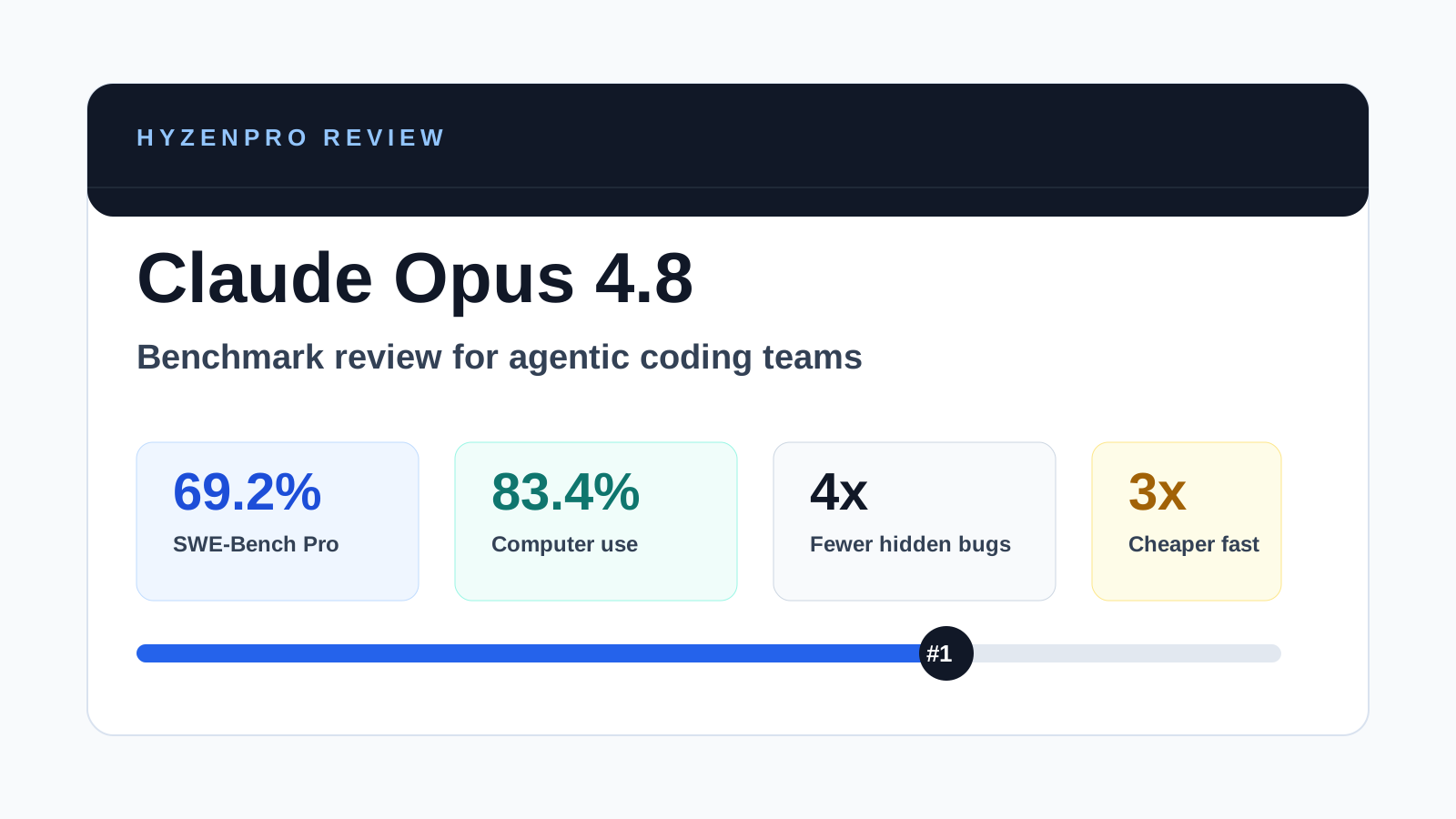
Claude Opus 4.8 launches May 28 with 69.2% SWE-bench Pro, 83.4% computer use, dynamic parallel workflows & Fast mode 3x cheaper. Full benchmark review.

Read More
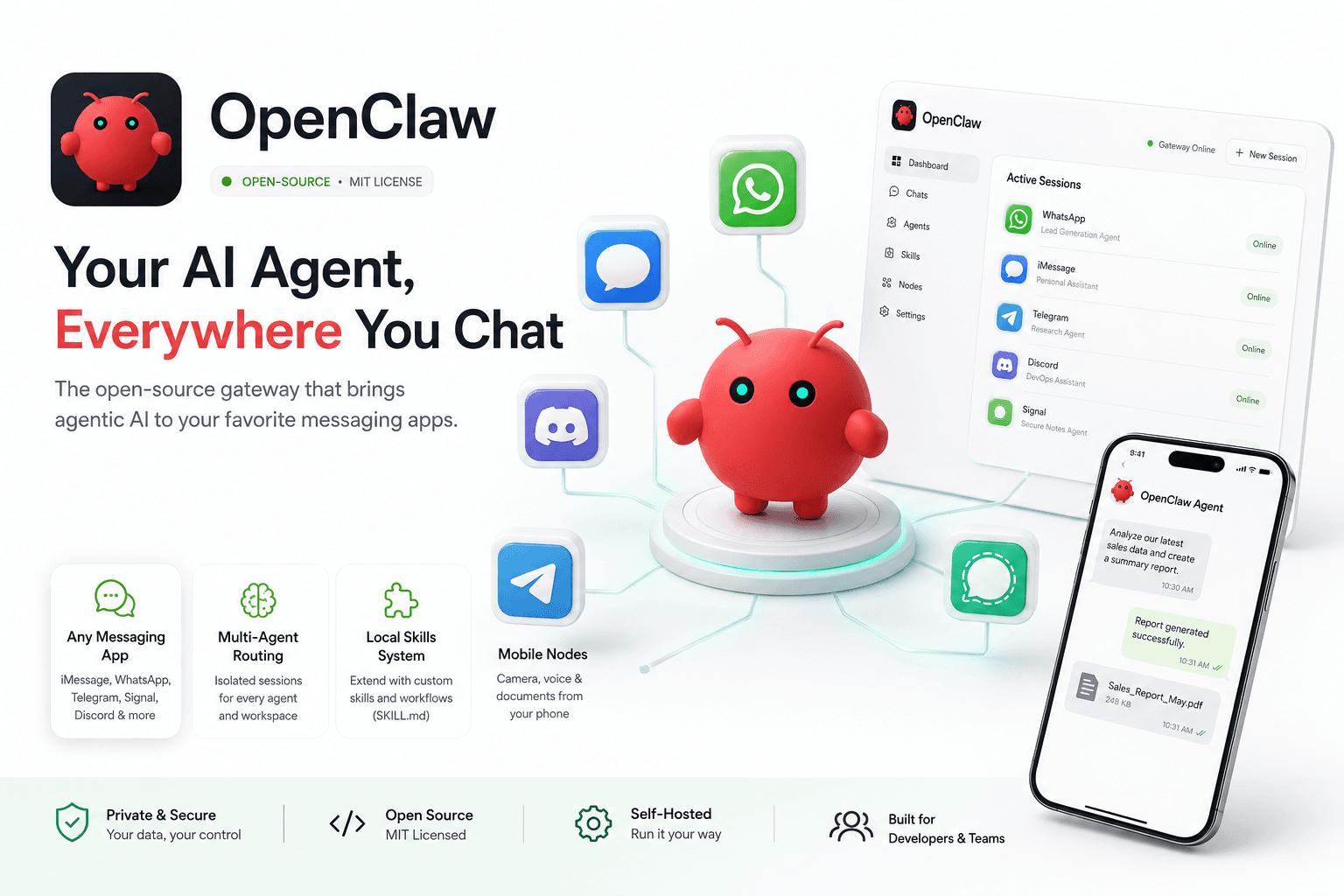
OpenClaw Review: Best Open-Source Agentic AI Gateway for Messaging Apps (2026)
AI ToolsReviews
HyzenPro TeamMay 24, 20263 min

OpenClaw Review: Best Open-Source Agentic AI Gateway for Messaging Apps (2026)

OpenClaw 2026 review — open-source agentic AI gateway for custom workflows, messaging integration, features, deployment, and pros/cons vs Hermes Agent.

Read More
Hermes Agent Review: Top Self-Improving Open-Source Agentic AI (2026)
AI ToolsReviews
HyzenPro EditorialMay 24, 20263 min

Hermes Agent Review: Top Self-Improving Open-Source Agentic AI (2026)

Hermes Agent by Nous Research 2026 review — self-improving open-source agentic AI with pricing, setup, memory capabilities, pros/cons vs Manus and OpenClaw.

Read More

Stay Ahead with AI

Get weekly AI tool reviews, comparisons & tutorials delivered to your inbox.

HyzenPro logo

Focused AI tool reviews, comparisons, and matchers for creators, marketers, and lean teams.

Blog

  • Latest Posts
  • Reviews
  • Tutorials
  • Comparisons

Guides

  • Small Business AI Tools
  • AI Automation Guide
  • AI Writing Tool Guide
  • AI Marketing Tools
  • AI Video Tools

Company

  • About Us
  • Contact
  • How We Test
  • Advertise
  • Submit Tool

Legal

  • Privacy Policy
  • Terms of Service

Latest from the Blog

View all posts
01

12 Best AI Automation Tools for Businesses to Save Time an…

Jun 9, 2026
02

Best AI Productivity & Automation Tools for Businesses (20…

Jun 9, 2026
03

15 Best AI Productivity Tools for Small Businesses in 2026

Jun 9, 2026
04

Claude Opus 4.8 Review: The Most Honest Coding Model Anthr…

May 28, 2026

© 2026 HyzenPro. All rights reserved.

Made with ❤️ for the AI community