New this week:Claude Sonnet 5 Review: Benchmarks, Pricing & How It Compares to Opus 4.8
Newsletter·hyzenpro.com
HyzenPro
AI Tools Directory
Blog
Compare
Find Tools
About
Contact
Submit AI tool

Popular Categories

  • AI Video ToolsEditors, generators, captions
  • AI Writing ToolsContent, copy, and SEO writing
  • AI Coding ToolsAssistants for developers
  • AI Image ToolsArt generators, editors
  • AI AutomationWorkflow and task automation

Discover

  • All ToolsBrowse the full directory
  • Find ToolsTake the guided matcher quiz
HyzenPro
AI Tools DirectoryCategoriesBlogCompareFind ToolsAboutContact
Submit AI tool
HyzenPro

Independent reviews and side-by-side comparisons of the best AI tools for creators, marketers, developers and small teams. Reader-funded — never pay-to-play.

Featured Across Leading Platforms

Trustpilot logoProduct Hunt logoG2 logoIndie Hackers logoMedium logo

AI Tools

  • AI Tools Directory
  • AI Video Tools
  • AI Writing Tools
  • AI Coding Tools
  • AI Image Tools
  • AI Automation

Compare

  • Side-by-side Compare
  • Find Tools Quiz
  • Editor's choice
  • Buyer's quiz

Resources

  • Blog
  • How we review
  • Submit AI Tool

Company

  • About HyzenPro
  • Contact
  • Advertise
  • Privacy Policy
  • Terms of Service

© 2026 HyzenPro. All rights reserved. AI tool ratings are based on independent testing.

PrivacyTermsContactAdvertiseSubmit Tool

HyzenPro is an independent publication. Brand names and logos are property of their respective owners.

AI Tools/Creators & YouTubers

The Best AI Tools for Creators & YouTubers in 2026

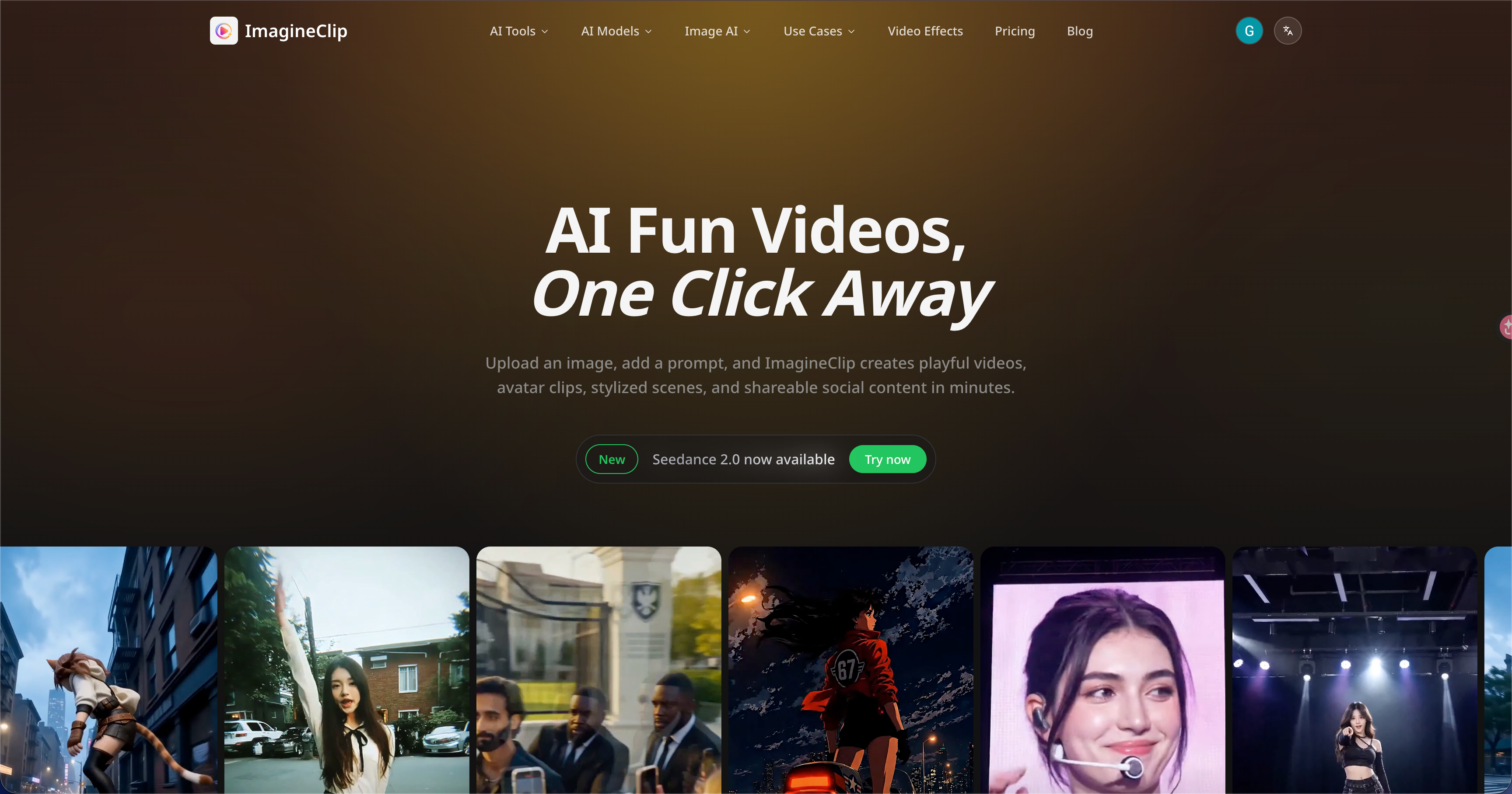
Content creation in 2026 is a production studio race. The creators winning on YouTube, TikTok, and Instagram Reels aren't working harder — they are working with smarter AI stacks that handle the repetitive 80% so the creative 20% can shine. **Why AI Is Now Non-Negotiable for Creators** YouTube's algorithm in 2026 rewards upload consistency, caption accessibility, and high click-through thumbnails — three areas where AI tools deliver measurable ROI with zero extra headcount. Channels using AI-assisted workflows report 2–3x faster turnaround on publishing cycles without sacrificing quality. **Captioning & Subtitles** Auto-captioning is no longer optional. YouTube's own data shows captioned videos outperform uncaptioned ones in watch time by up to 40%. Submagic (rated 4.4 on HyzenPro) specializes in viral-style animated captions that match trending aesthetics on Shorts and Reels. For full-video editing with captions baked in, Captions.ai (4.1) offers a mobile-first workflow loved by solo creators. **Video Editing & Repurposing** VEED.io remains the browser-based go-to for creators who need to edit, subtitle, and export without a desktop app. For repurposing long-form content into short social clips, Recapo.ai automates the clip selection and formatting process. ImagineClip adds AI-generated visual effects and avatars for creators building stylized short-form content. **Voiceovers & Audio** ElevenLabs (rated 4.8) is the industry standard for AI voiceovers in 2026 — with 5,000+ voice clones across 70+ languages and API access for automation. It is the tool of choice for faceless YouTube channels scaling to multiple uploads per week. **Visuals, Thumbnails & AI Image Generation** Canva Magic Studio (4.6) has become the default thumbnail creation suite after integrating AI background removal, text-to-image generation, and one-click brand kit application. Sceneflare adds AI image and short video generation for creators who need raw visual assets quickly. **The Creator Stack in 2026** The most effective creator workflow combines ElevenLabs for voiceovers, Submagic or Captions.ai for subtitles, VEED.io for editing, Canva Magic Studio for thumbnails, and Recapo.ai for repurposing. These five tools, most of which offer freemium tiers, can replace a part-time editor at a fraction of the cost.

  • Editing eats your week
  • Thumbnails that flop
  • Repurposing is manual

Editor's top pick

CM

Canva Magic Studio

★ 4.6

AI-powered design suite for creating stunning visuals effortlessly.

Read review →

The challenges you face

Sound familiar? These are the daily friction points we hear from professionals like you.

Editing eats your week

Most creators spend 8–12 hours editing per video. AI editing tools now handle rough cuts, transitions, and pacing automatically — cutting editing time by 60% or more.

Thumbnails that flop

CTR separates winning videos from invisible ones. AI thumbnail generators test color palettes, text placement, and emotional cues against platform data.

Repurposing is manual

Turning a 20-minute video into 5 Shorts, 3 Reels, and a TikTok should not take an afternoon. AI repurposing tools identify the highest-engagement moments and clip them automatically.

Your new workflow

A streamlined process that replaces hours of manual work with AI-assisted efficiency.

01

Script & hook

Use GPT-4o or Claude to draft scripts, generate hook variations, and research trending topics in your niche.

02

Edit & caption

VEED.io or Submagic handles the edit, with AI-powered captioning synced to fast-paced Shorts/Reels delivery.

03

Voice & dub

ElevenLabs generates professional voiceovers in 70+ languages, with voice cloning for consistent brand voice across every upload.

04

Repurpose

Recapo.ai converts long-form content into platform-optimized clips with one click — Shorts, Reels, TikToks, all formatted correctly.

The starter kit

Our curated top picks to get you started immediately.

CM

Canva Magic Studio

4.6

AI-powered design suite for creating stunning visuals effortlessly.

FreemiumView Details →
VEED.io logo

VEED.io

3.8

AI-powered online video editor with smart creation tools.

FreemiumView Details →
Submajic logo

Submajic

4.4

AI-powered subtitle generation with viral-style captions.

PaidView Details →

All Creators & YouTubers tools

Browse and compare 9 AI tools curated for creators & youtubers.

Explore Premium AI Tools

9 results
video tools
Submajic logo

Submajic

4.4·video tools

AI-powered subtitle generation with viral-style captions.

Paid
Read reviewVisit
Featured
CM

Canva Magic Studio

4.6·image tools

AI-powered design suite for creating stunning visuals effortlessly.

Freemium
Read reviewVisit
video tools
Captions.ai logo

Captions.ai

4.1·video tools

AI-powered video creation platform with smart editing features.

Freemium
Read reviewVisit
video tools
VEED.io logo

VEED.io

3.8·video tools

AI-powered online video editor with smart creation tools.

Freemium
Read reviewVisit
video tools
Recapo.ai logo

Recapo.ai

video tools

AI video editing for creators and marketing teams turning long videos into short social clips.

Freemium
Read reviewVisit
video tools
ImagineClip logo

ImagineClip

video tools

AI video generator for fun clips, avatars, and social-ready visual effects.

Freemium
Read reviewVisit
Featured
ElevenLabs logo

ElevenLabs

4.8·text to speech

Create lifelike speech with our AI voice generator and voice agents platform. Access 5000+ voices in 70+ languages with secure APIs and SDKs.

Freemium
Read reviewVisit
image tools
Sceneflare logo

Sceneflare

3.5·image tools

Sceneflare helps creators generate AI images and short videos, edit source assets, and prepare polished visual content in one browser workspace.

Freemium
Read reviewVisit
general tools
AI Music Generator logo

AI Music Generator

general tools

Create songs, lyrics, AI covers, stems, WAV exports, and music videos from text prompts.

Freemium
Read reviewVisit

Frequently asked questions

Quick answers to common questions from professionals in your field.

Submagic is the top-rated AI caption tool for Shorts and Reels on HyzenPro (rated 4.4). It specializes in animated, viral-style captions synced to fast-paced content. Captions.ai is the best mobile-first alternative for creators who edit primarily on their phone.
For short-form social content (Shorts, Reels, TikToks), AI tools like VEED.io and Submagic handle ~80% of editing tasks. For long-form YouTube with complex timelines and color grading, AI tools accelerate but do not fully replace a human editor.
Yes. YouTube allows AI-generated voiceovers for monetized content as long as the content itself is original. ElevenLabs is the most widely used tool by faceless YouTube channels. Disclosure is good practice but not required by YouTube policy.

Explore other personas

Marketers & GrowthDevelopersFounders & Small TeamsStudents & EducatorsAgencies & Consultants
Browse all AI Video Tools → →
HyzenPro

Independent reviews and side-by-side comparisons of the best AI tools for creators, marketers, developers and small teams. Reader-funded — never pay-to-play.

Featured Across Leading Platforms

Trustpilot logoProduct Hunt logoG2 logoIndie Hackers logoMedium logo

AI Tools

  • AI Tools Directory
  • AI Video Tools
  • AI Writing Tools
  • AI Coding Tools
  • AI Image Tools
  • AI Automation

Compare

  • Side-by-side Compare
  • Find Tools Quiz
  • Editor's choice
  • Buyer's quiz

Resources

  • Blog
  • How we review
  • Submit AI Tool

Company

  • About HyzenPro
  • Contact
  • Advertise
  • Privacy Policy
  • Terms of Service

© 2026 HyzenPro. All rights reserved. AI tool ratings are based on independent testing.

PrivacyTermsContactAdvertiseSubmit Tool

HyzenPro is an independent publication. Brand names and logos are property of their respective owners.